Продукти
Професионално аудиоЗвукоизолация и Акустични материалиОзвучителна техника за заведения, хотели и обществени сгради - 100V компоненти
ТонколониВисокоговорители за монтаж в окачен таванСистеми за вгражданеРупорни говорителиМегафониУсилвателиПлеъриКонферентни и преводачески системиМодули и микрофониАтенюаториТрансформатори за 100V инсталацииГрадински тонколони
Домашно аудиоЕфектно осветлениеКабелиКонекториАксесоари и компоненти за тонколониСтойки Кутии за тонколониЧасти за високоговорителиДруги
Работно време
Понеделник-Петък : 9:30 - 18:00 ч.
Събота и Неделя - ПОЧИВНИ ДНИ
Промоции

Партньори





- Начало
- Продукти
- Озвучителна техника за заведения, хотели и обществени сгради - 100V компоненти
- Модули и микрофони
ITC T-328

 не е наличен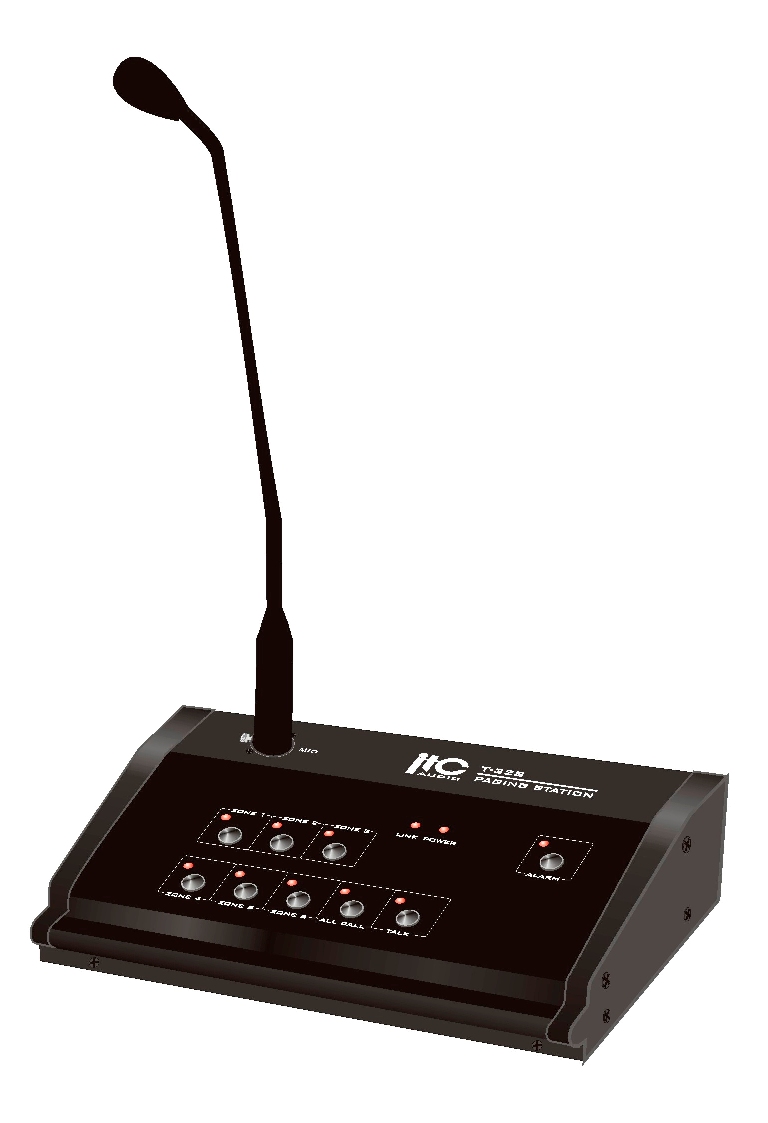
ITC T-328
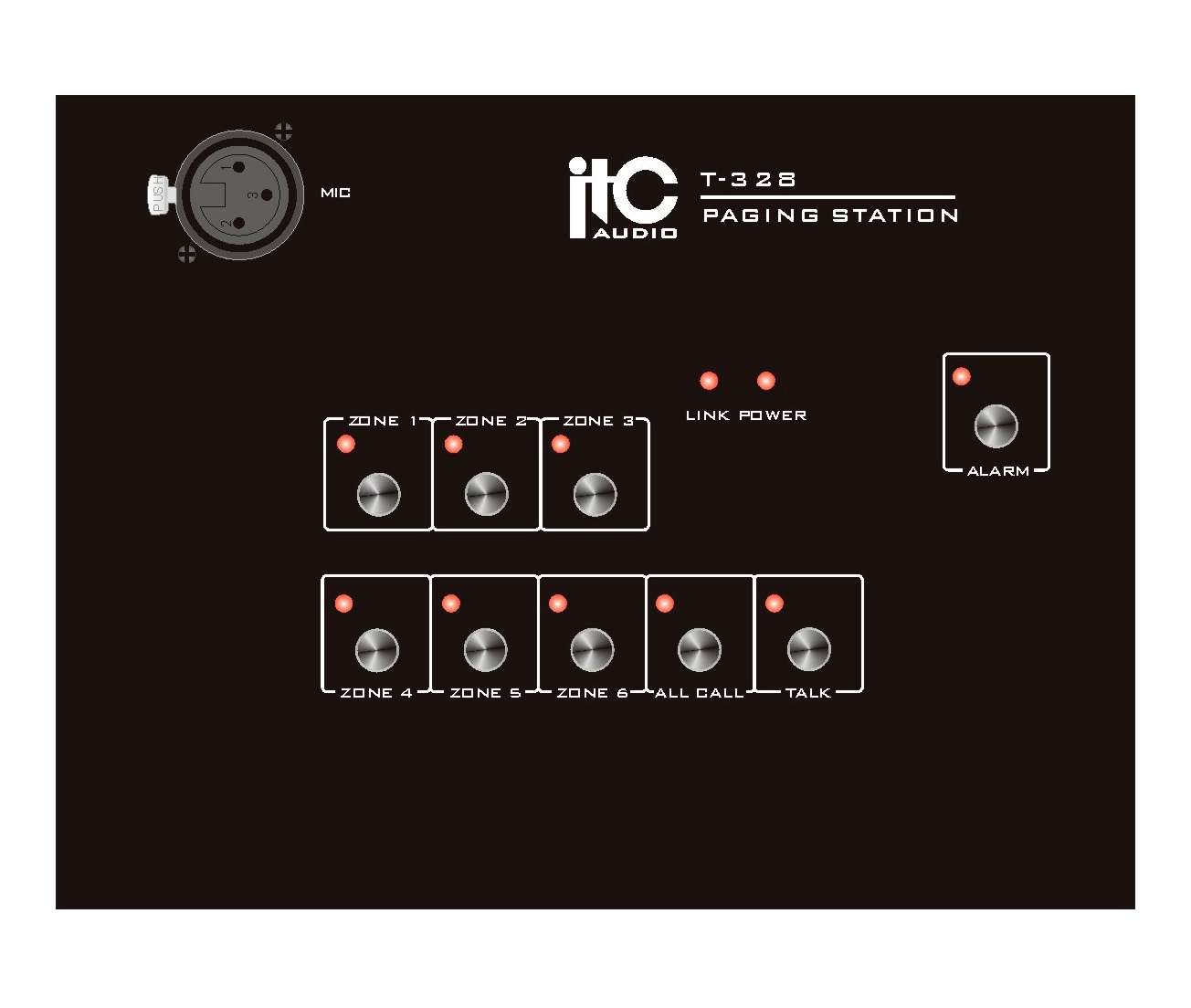
- Zone selection Push the switch for one zone, some zones and all zones and the zone led will turn on, then push on talk button to begin announcement.
- Announcement After selection the zone for paging, push on the talk button, then the led turn on , the internal chime will be activated, then the user could proceed with announcement.If at the same time another connected microphone call station is already making an announcement (and therefore the line is already busy), the talk led flashes.
- Activation message 3 After selection the zones, open alarm switch. Protection and push the button. Based on T-6245 setting, the system plays the message once time or continuously till the alarm switch is back.
- Priority Microphone call station has priority over music and pre-recorded message.
- Pre-recorded messages Three different messages, 60 seconds max each, could be recorded. The first and second messages are activate by dry contact to broadcast on T-6245 and they go to all zones. The third message could be only activated by microphone call station and it goes only in the pre-selected zone. Pre-recorded message have priority on all music sources.
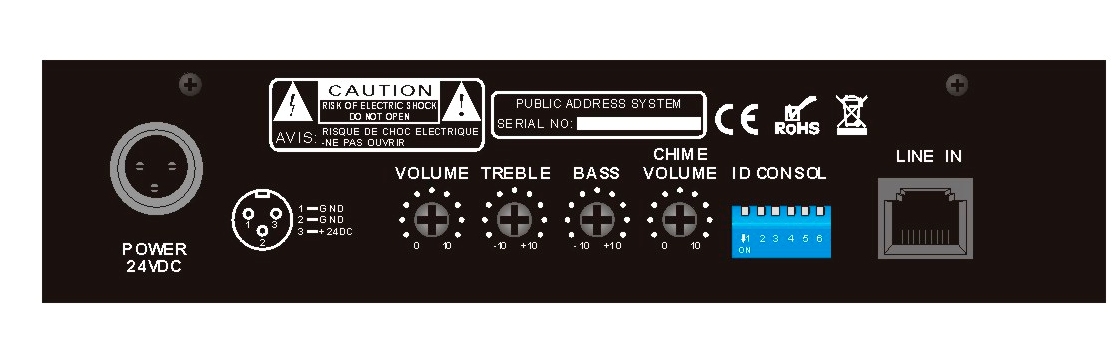
- Call Station Maximum can connect with 6pcs T-328